![PLAYIT_RGB_wit.png]](https://support.playit.training/hs-fs/hubfs/PLAYIT_RGB_wit.png?height=40&name=PLAYIT_RGB_wit.png)
- Once your course has been built, you can publish it, to make it available in your administration portal. Once it's available in your portal, you can add the course into a new or existing learning path, so the end-users will be able to play your newly build course
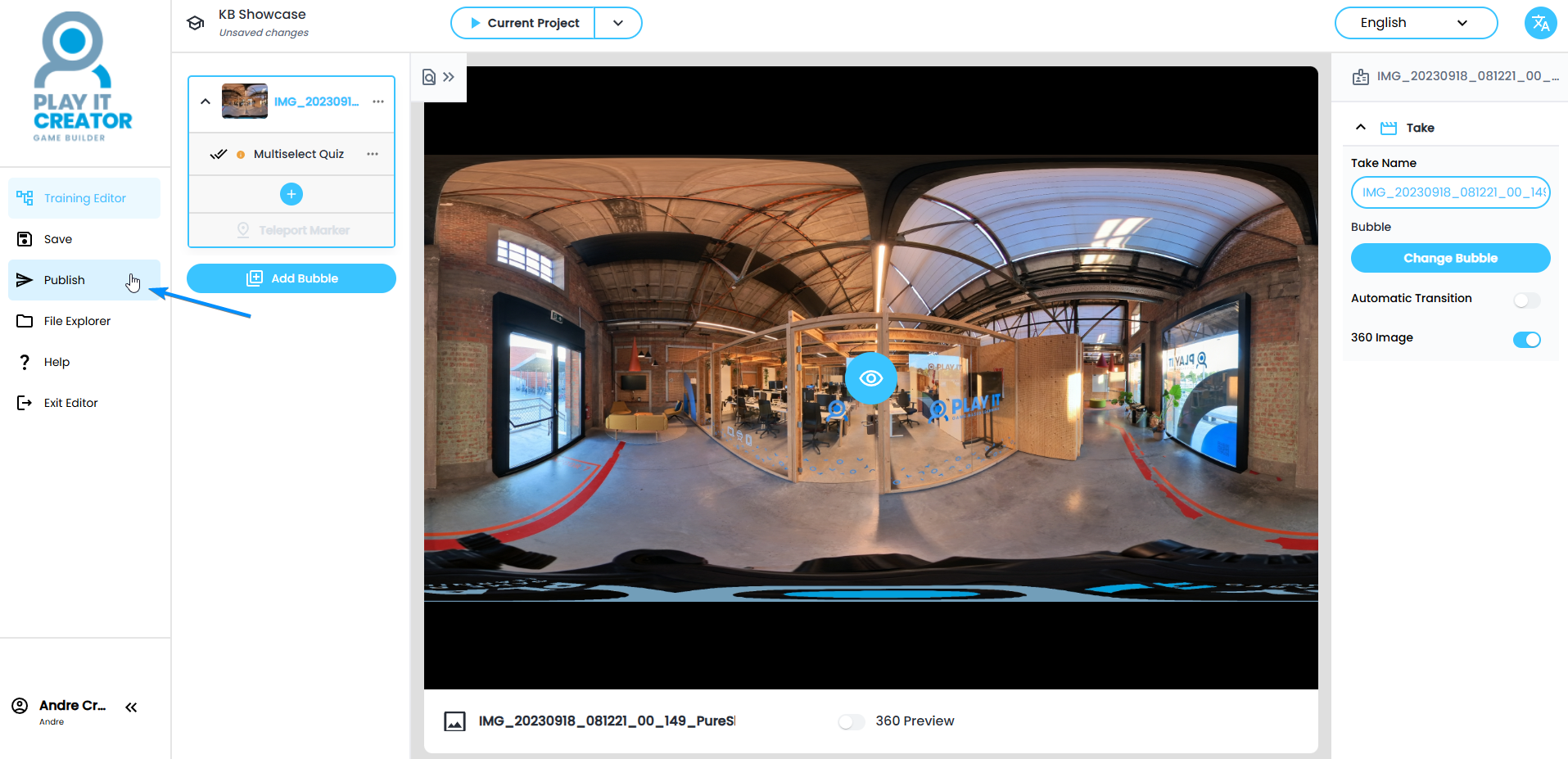
- Click on the 'Publish' button in the menu on the left
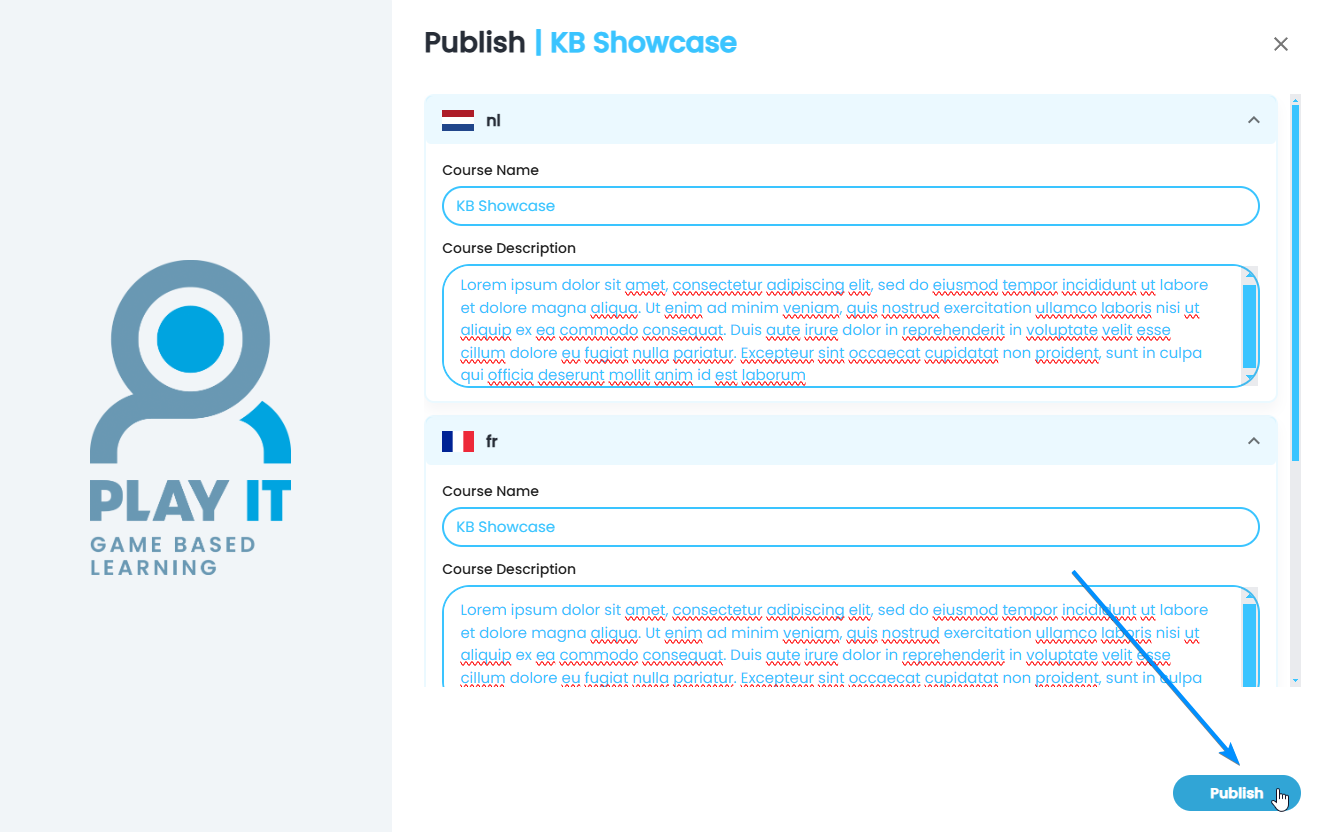
- Fill in the 'Publish' pop-up with the course name and course description in the three standard languages: Dutch, French and English. Only once all three languages are filled in, you can click on 'Publish'
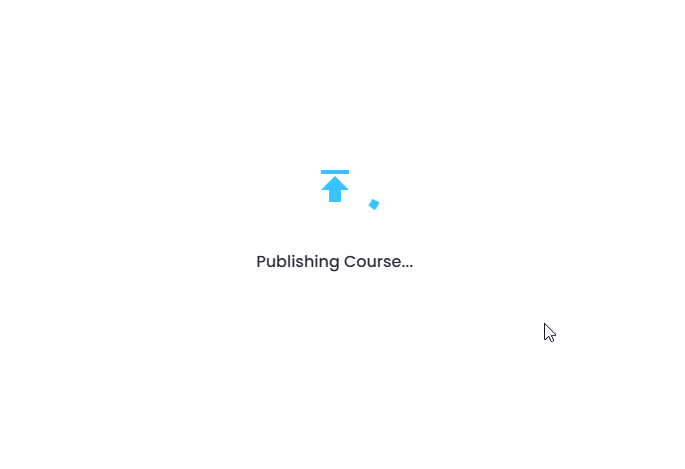
- The Creator is now doing the necessary behind the scenes work, to publish your course
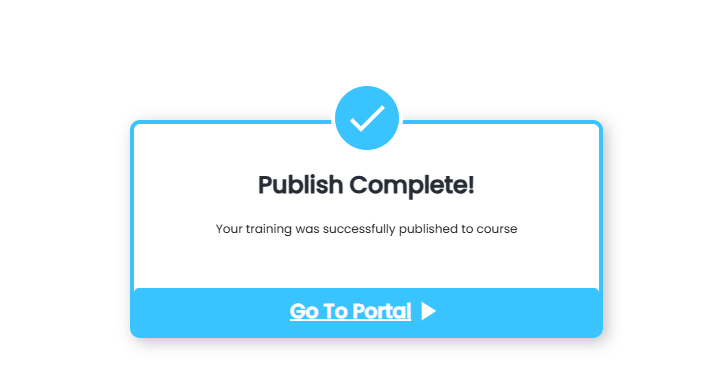
- Once publishing is finished you get the end screen. Go to your portal or click on 'Finish'