![PLAYIT_RGB_wit.png]](https://support.playit.training/hs-fs/hubfs/PLAYIT_RGB_wit.png?height=40&name=PLAYIT_RGB_wit.png)
On the 'Users' page you can send several reminders in bulk to let your users know their status within the Play it platform.
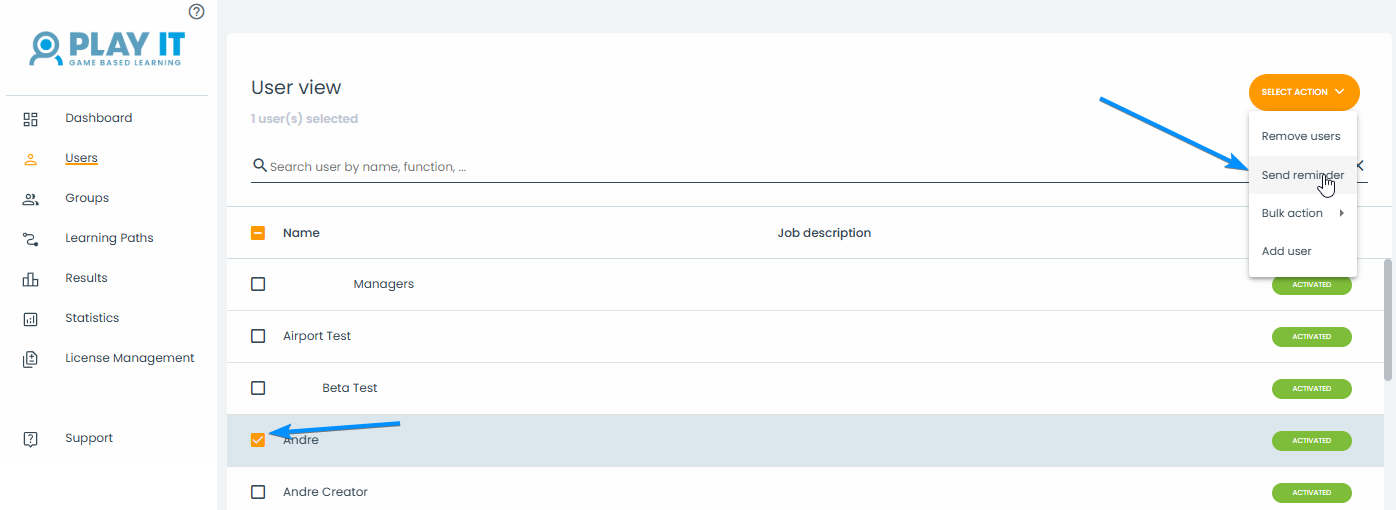
Selected one, more or all users in the 'User view'.
Then click on 'Select action' and choose for 'Send reminder'.
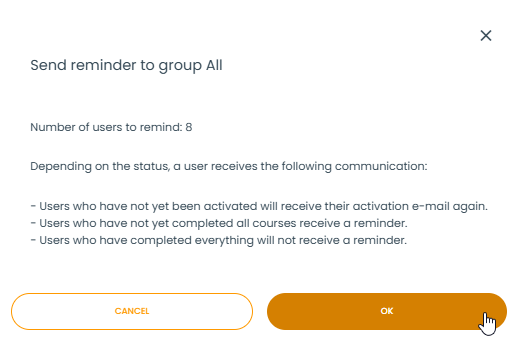
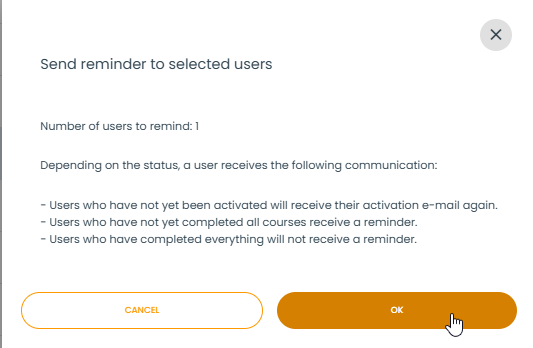
The next pop-up will give you an overview on the reminders that will be send out.
Depending on their status, users will receive a personalized reminder once you click on 'OK'.
- Users who have not yet been activated will receive their activation e-mail again.
- Users who have not yet completed all courses receive a reminder.
- Users who have completed everything will not receive a reminder.
You can also send reminder to a whole group (or multiple) at once via the "Groups" page.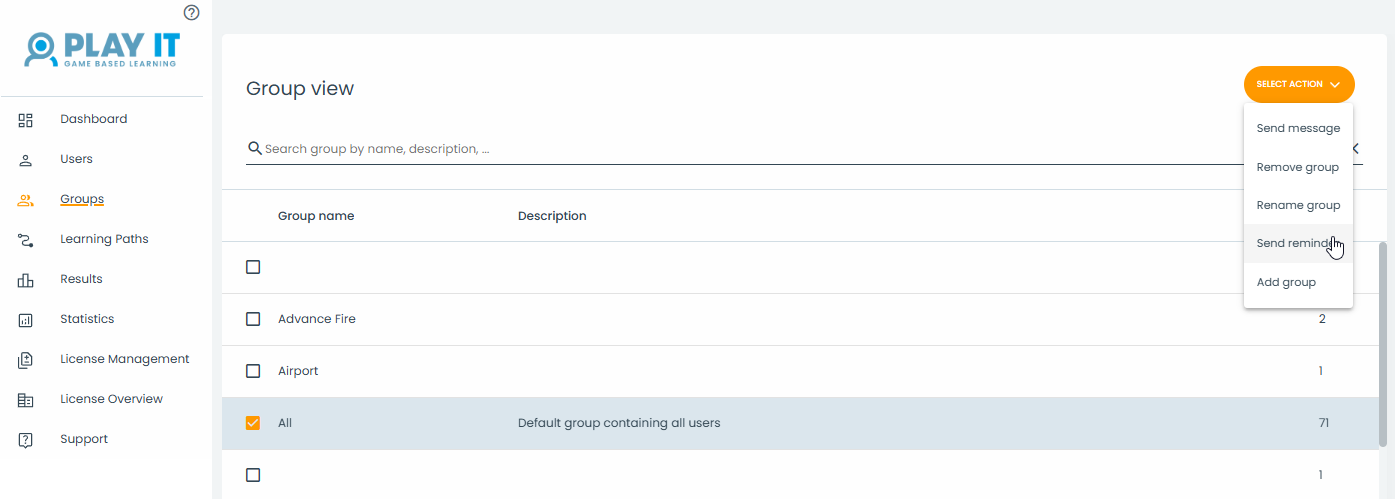
This uses the same smart reminder system as the reminders sent via the "Users" page.