![PLAYIT_RGB_wit.png]](https://support.playit.training/hs-fs/hubfs/PLAYIT_RGB_wit.png?height=40&name=PLAYIT_RGB_wit.png)
- To change the base picture of an existing bubble, click on the gear wheel at the bottom right of the Editor, as this will open the 'Edit Bubble' pop-up
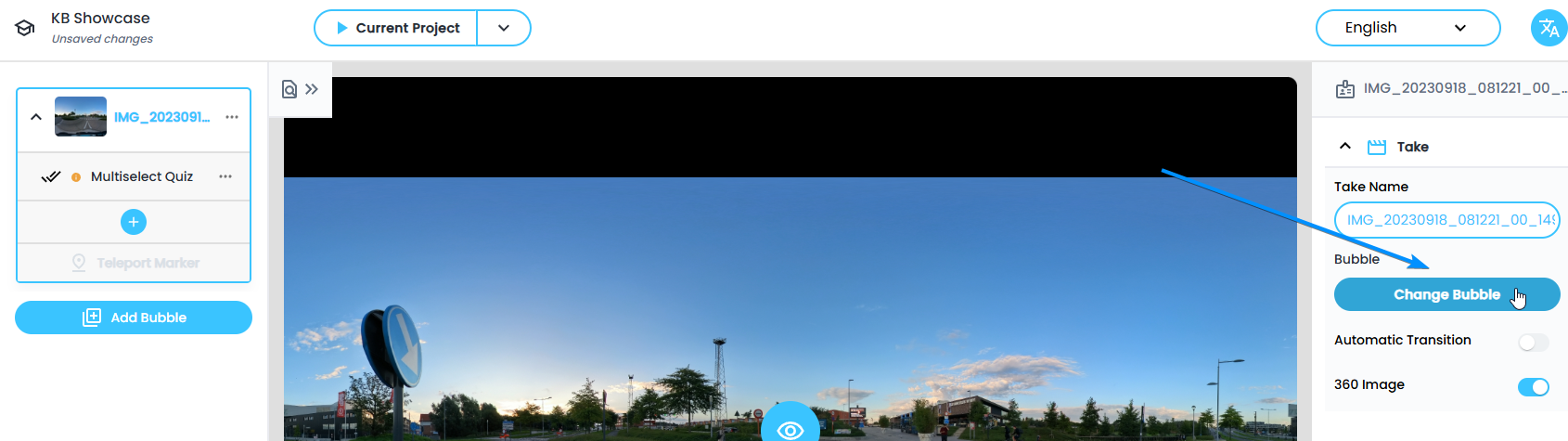
- In the pop-up 'Edit Bubble' you can click on 'Change Bubble' to choose another base picture for your bubble
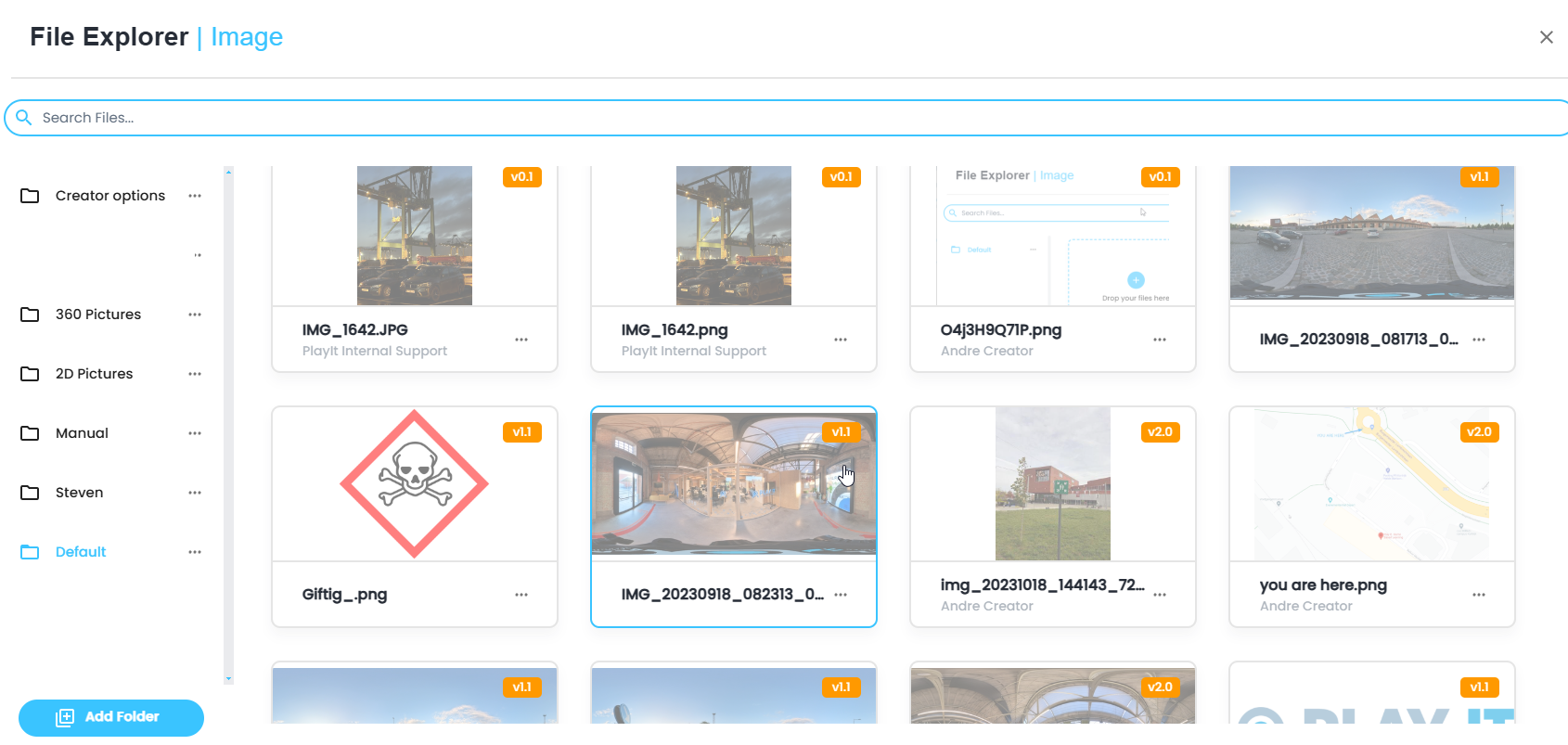
- The 'File Explorer' opens. Select the picture you want to use as the base picture of your bubble
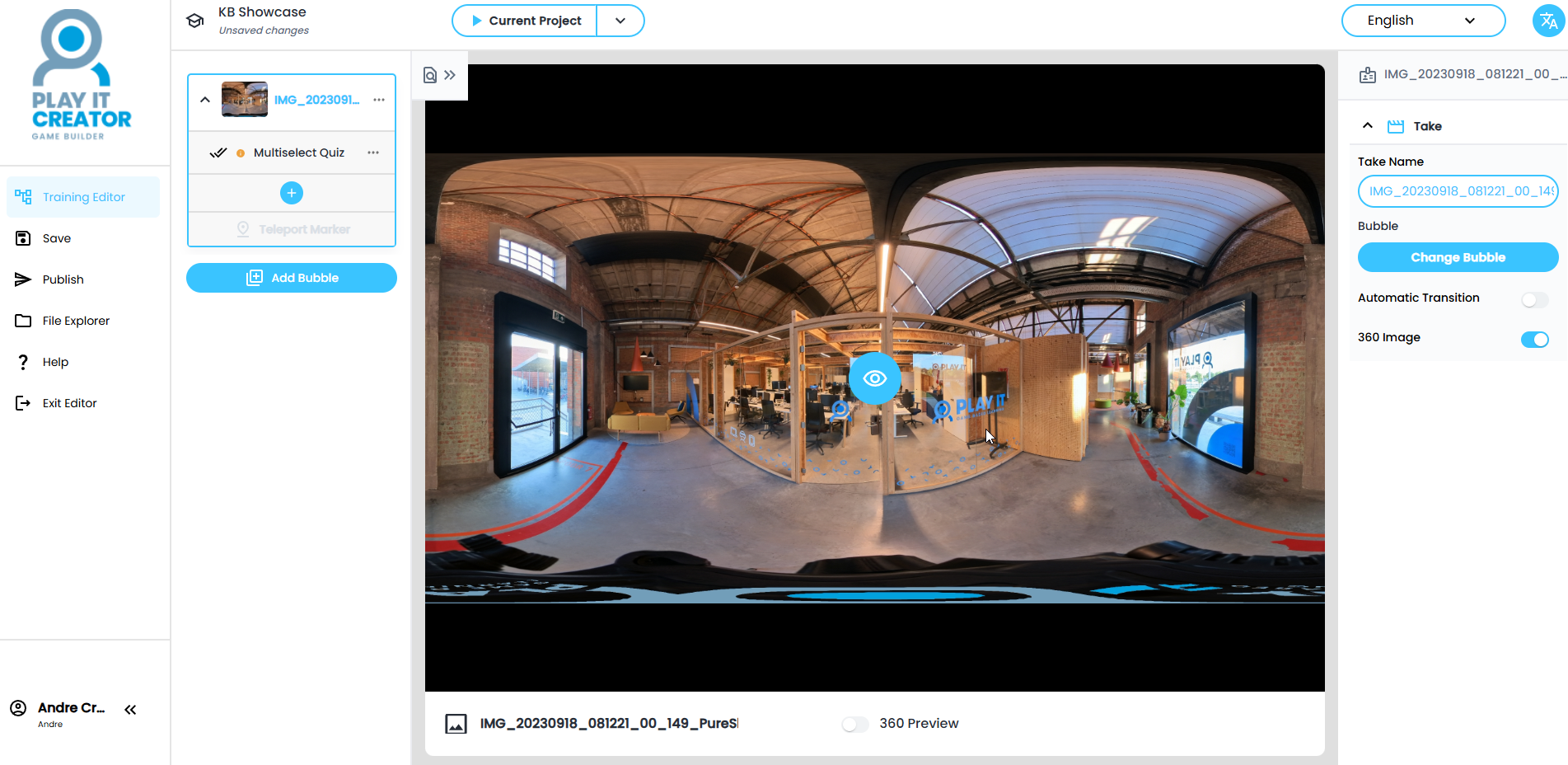
- Check the picture settings and if correct click on 'Done'